
All ArticlesWi-Fi & Networking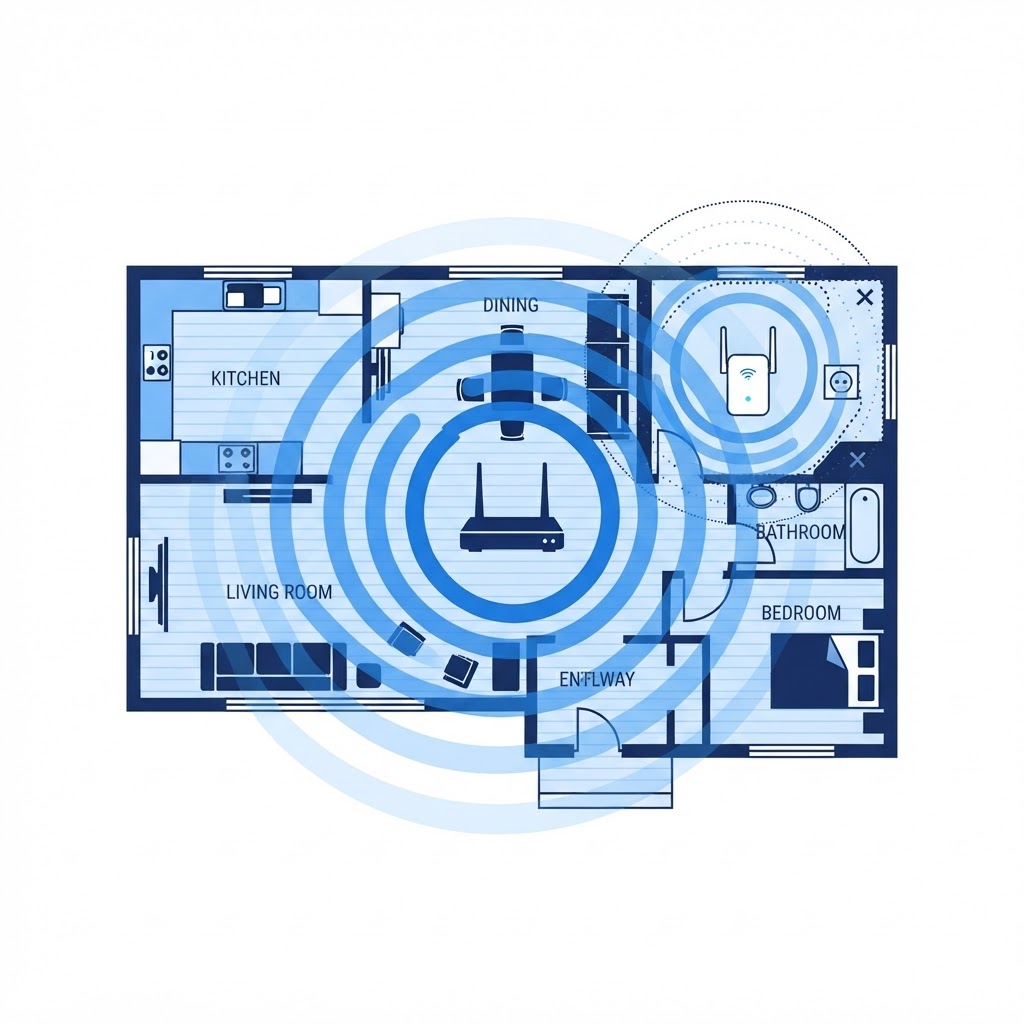
How to Fix WiFi Dead Zones in Your Home
Identify and eliminate signal obstructions to ensure consistent coverage.
January 6, 2026 3 min readBy Technico Team
Identify Physical Obstacles
Dead zones are often caused by heavy materials like brick, concrete, or metal acting as shields. Move your router to a central, elevated location away from dense furniture or large appliances like refrigerators, which can disrupt signals.
Deploying Access Points
If relocating the router fails, install a wired access point in the affected area. Unlike repeaters, which cut your speed in half, access points connect back to your router via ethernet, ensuring full speed at the edge of your home.
30-Minute Fix Guarantee | No-Fix No-Fee
Need Immediate Remote Tech Support?
A certified US technician connects to your computer remotely, often within 2 hours. Pick a flat-rate service and check out in under a minute.