All ArticlesWi-Fi & Networking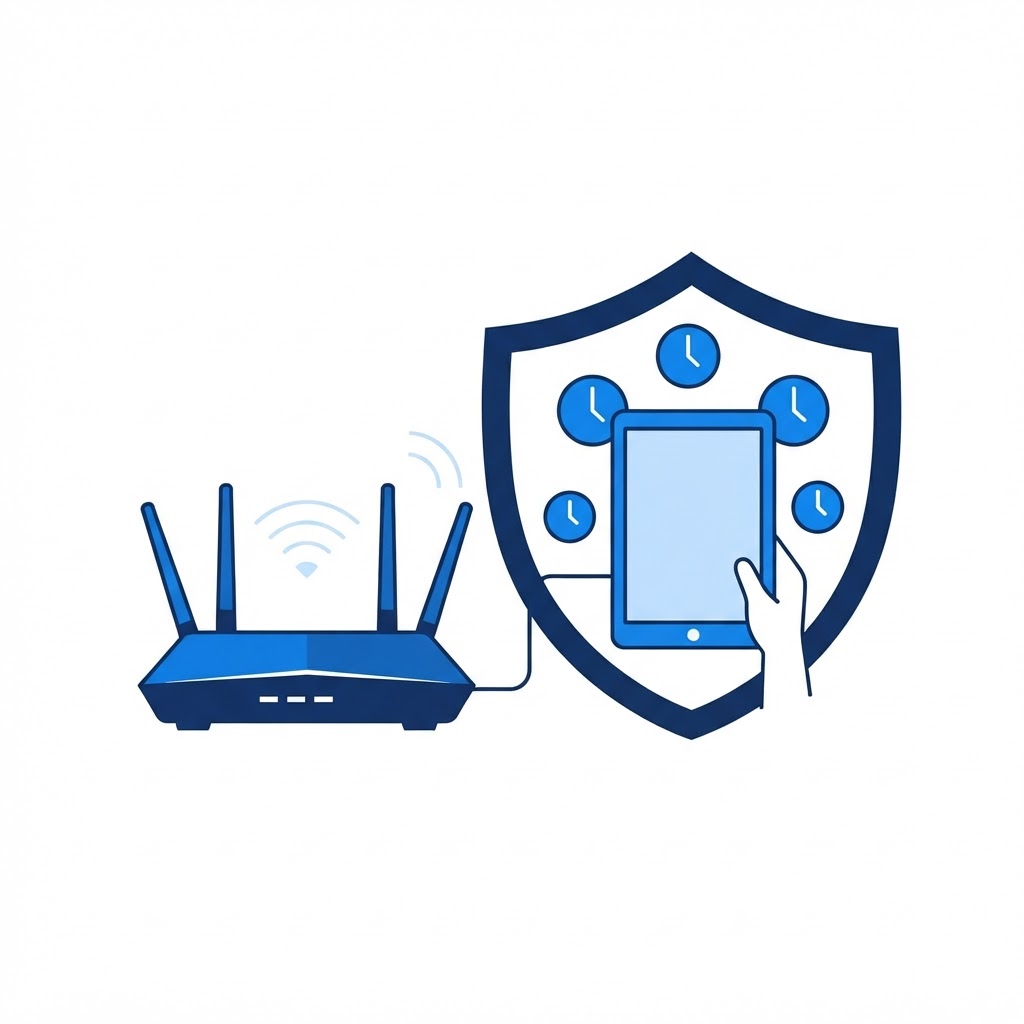
How to Set Up Parental Controls on Your WiFi Network
Manage screen time and content access directly at the router level.
December 25, 2025 2 min readBy Technico Team
Router-Level Filtering
Modern routers allow you to block specific websites or categories of content across all devices connected to the WiFi. This is more effective than app-based blocking, as it catches traffic from every device, including gaming consoles.
Scheduling Connectivity
Use your router dashboard to set 'bedtime' schedules. You can automatically turn off the internet for specific devices at night, ensuring that kids aren't staying up late browsing or gaming.
30-Minute Fix Guarantee | No-Fix No-Fee
Need Immediate Remote Tech Support?
A certified US technician connects to your computer remotely, often within 2 hours. Pick a flat-rate service and check out in under a minute.